
 Data Recovery Software
 Hard Drive Data Recovery
 SSD Data Recovery
 Deleted File Recovery
 Pen Drive Gone Blank
 External Hard Disk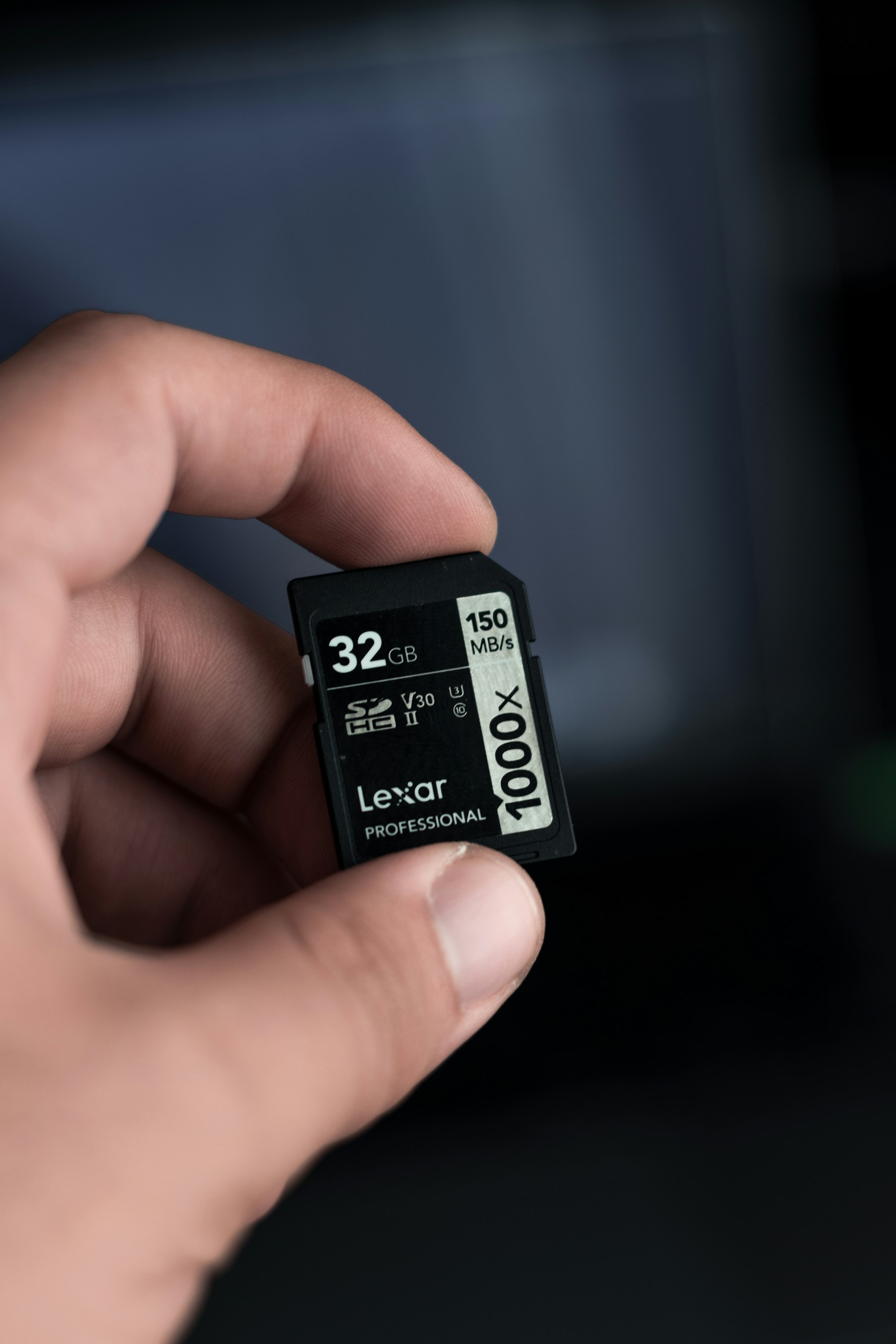

Memory CardSD, microSD And CompactFlash.
Camera cards, phone cards, drone cards, dashcam cards. They hold the moments you cannot shoot again and they fail in small, very fixable ways. Take the card out, use a reader and let DRE Pro read every sector of it.
Cards are FAT or exFAT. Larger SD and microSD cards are almost always exFAT.
Reads every sector from the first to the last. Works after a format. Can be paused.
Most problems on this kind of drive damage the index, so a Deep Scan that does not need the index is the one that finds the files.
The Tools That Help Here
JPG, PNG, HEIC and RAW photos such as CR2 and NEF, found sector by sector.
Scattered videos rebuilt from their own index, damaged clips repaired during the scan.
A RAW Scan with Photos and Videos ticked, for a quick, focused search.
See the photo before you pay. Each file marked Good, Risky or Overwritten.
Worth Knowing Before It Happens
- Stop shooting the moment a card plays up.
- Never accept 'Format' on the camera until your photos are safe.
- Copy every shoot off the card the same day.
What Happened To Yours?
Every SituationMemory Card Not Opening
A camera or phone card that stopped working
Photos And Videos Missing
A whole trip or a whole shoot, gone

Video Will Not Play
Recovered clips that refuse to open
Other Drives
Scan For Free.
Pay Only To Save.
See every file DRE Pro can bring back before you spend a rupee. ₹999 per computer a year, or ₹299 a month, plus GST.