
 Data Recovery Software
 Hard Drive Data Recovery
 SSD Data Recovery
 Deleted File Recovery
 Pen Drive Gone Blank
 Memory Card Not Opening
 External Hard Disk
Drives Fail In Patterns.
Here Are The Patterns.
Short, practical articles from the people who build DRE Pro: what goes wrong with hard disks, SSDs, pen drives and cards, what to do in the first ten minutes and how the software actually works.
10 articles
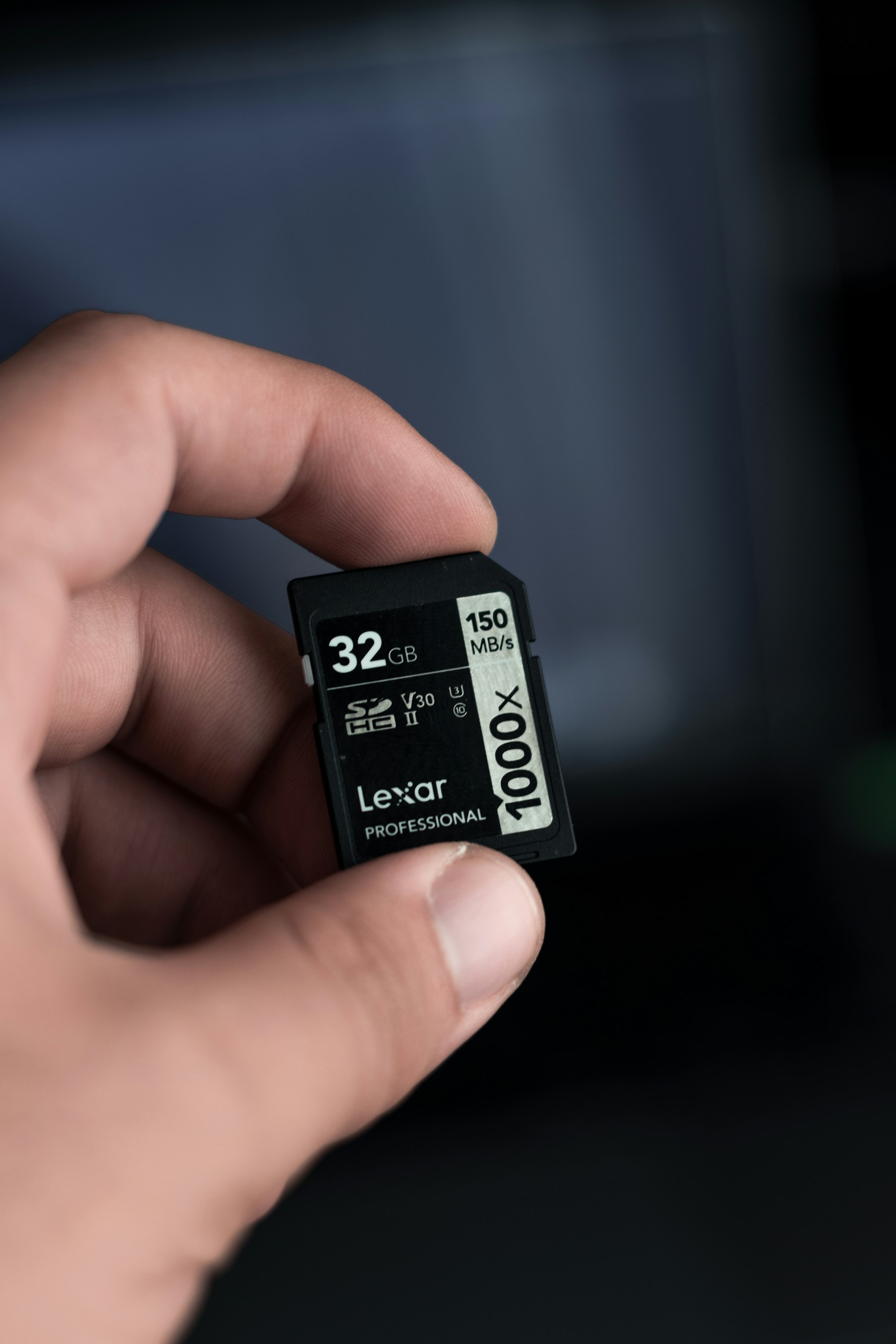
Quick Scan, Deep Scan Or RAW Scan: Which One To Run
Quick Scan, Deep Scan, RAW Scan or Lost Partition Recovery. What each one reads, which situation calls for which and how long they take.

Moving Windows To A New SSD Without Reinstalling
Move a working Windows from a hard disk to a new SSD with Migrate Windows. What it copies, what to check before you start and what to do after.

Reading A Drive's Health Report Before It Fails
Drives keep a health report on themselves. How to read the percentage, temperature and S.M.A.R.T. values and which failing signs to act on now.
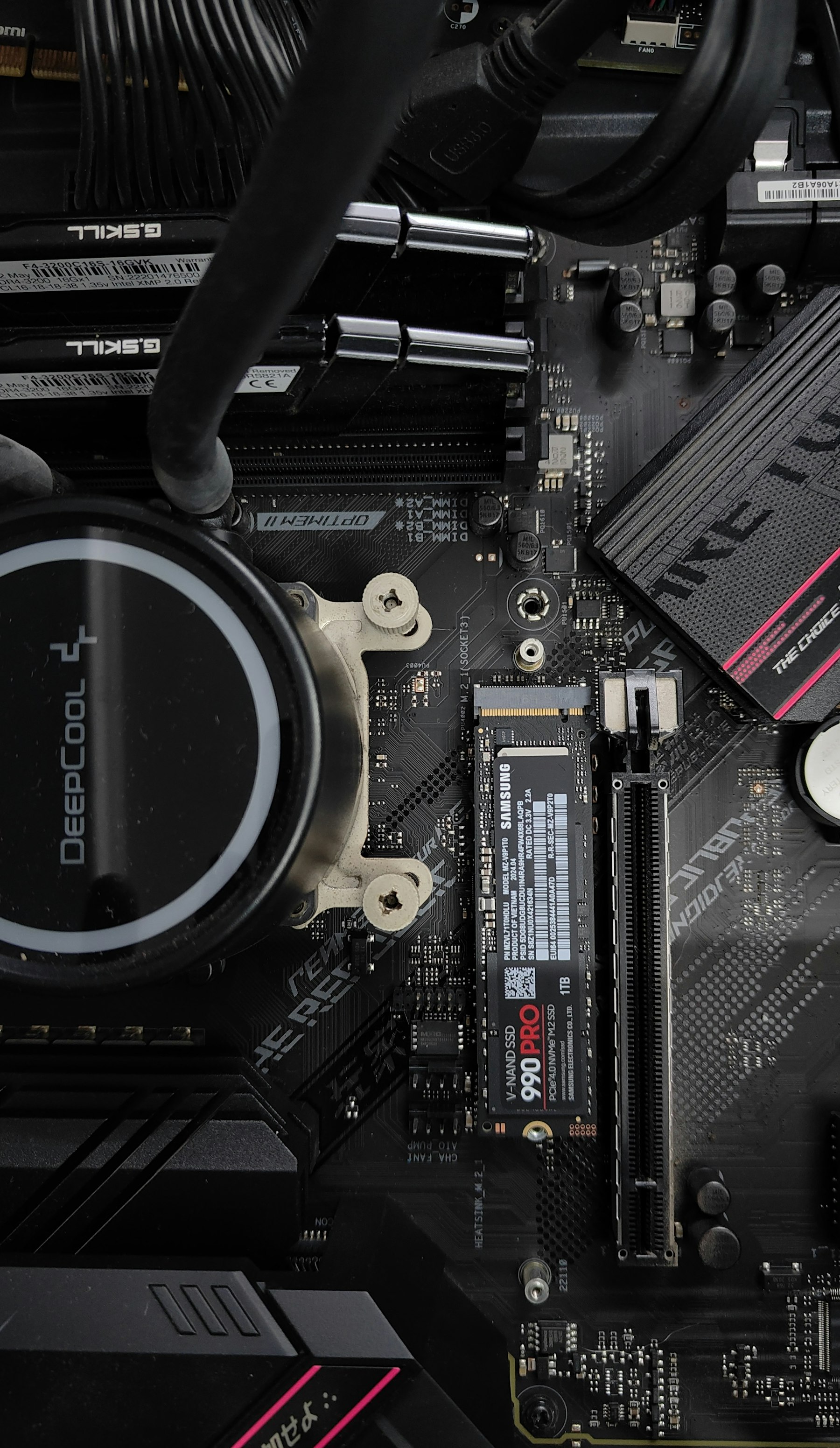
SSD Data Recovery: Why The Clock Runs Faster
SSDs erase deleted blocks on their own through TRIM. Why SSD data recovery is a race, where TRIM does not reach and what to do in the first hour.

Corrupted Photos And Videos: Why They Break And How Repair Works
Grey photos and videos that will not play are usually repairable. How JPEGs and MP4s break, what repair does during a scan and what it cannot do.

What A Disk Image Is And When To Make One
A disk image is a sector-by-sector copy of a drive in one file. Why to make one before scanning a weak drive, and how DRE Pro makes and scans it.
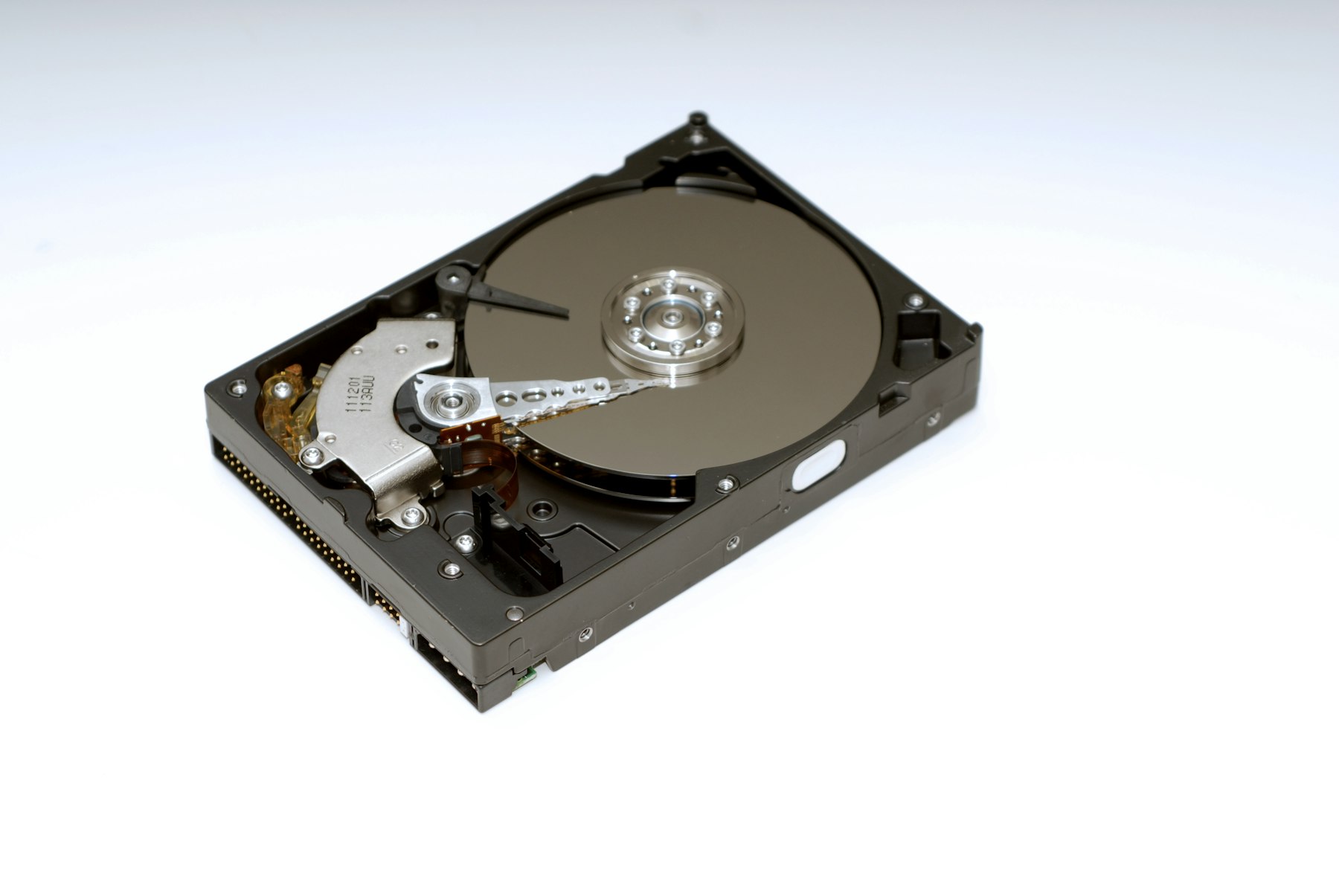
Why A Quick Format Does Not Erase Your Files
A quick format replaces the drive's index and leaves your files where they were. How formatted drive recovery works and what you can expect back.
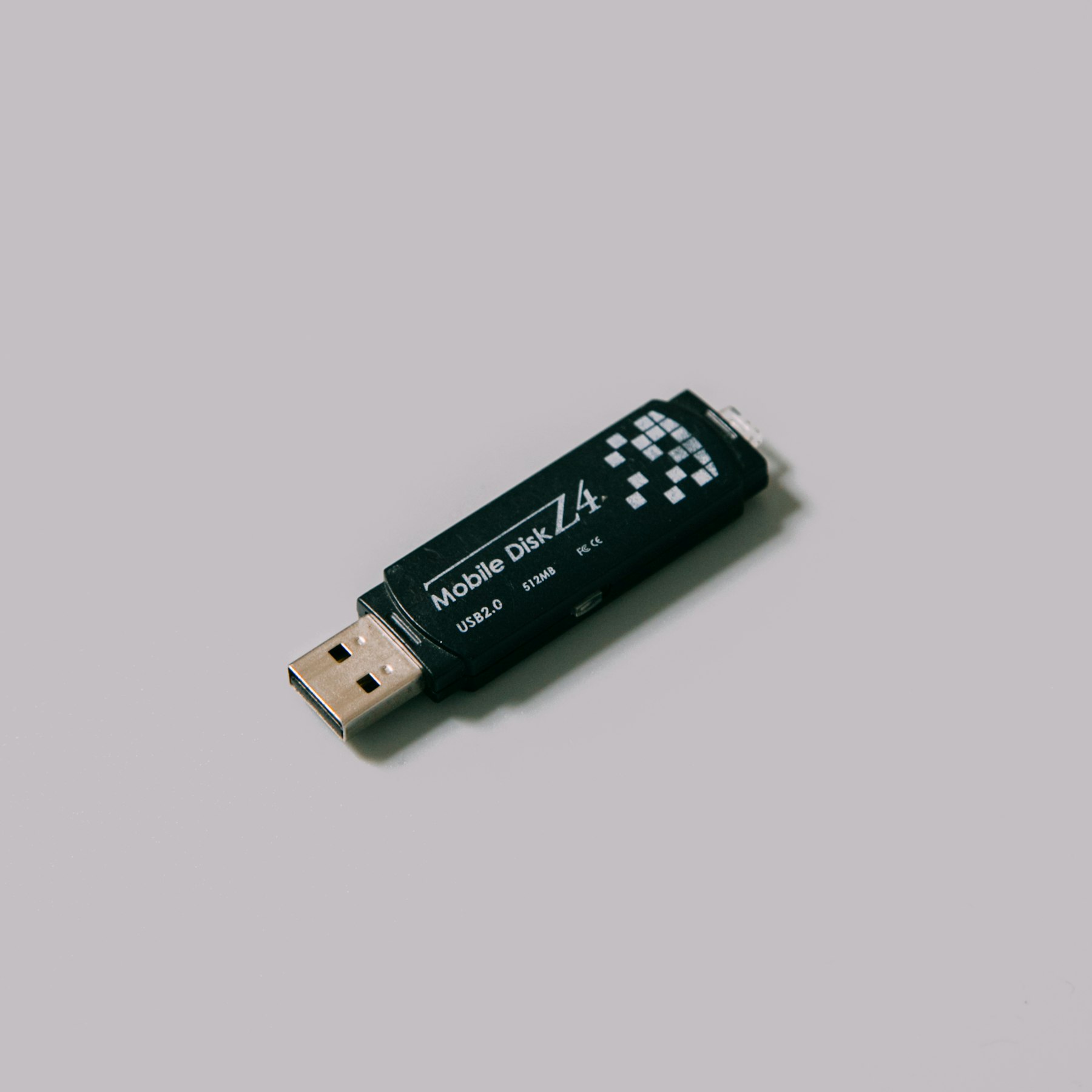
Pen Drive Asks To Be Formatted. Do Not Click Yes
Windows offers to format a pen drive it cannot read. Click Cancel. The files are still there, and this is how pen drive recovery gets them back.
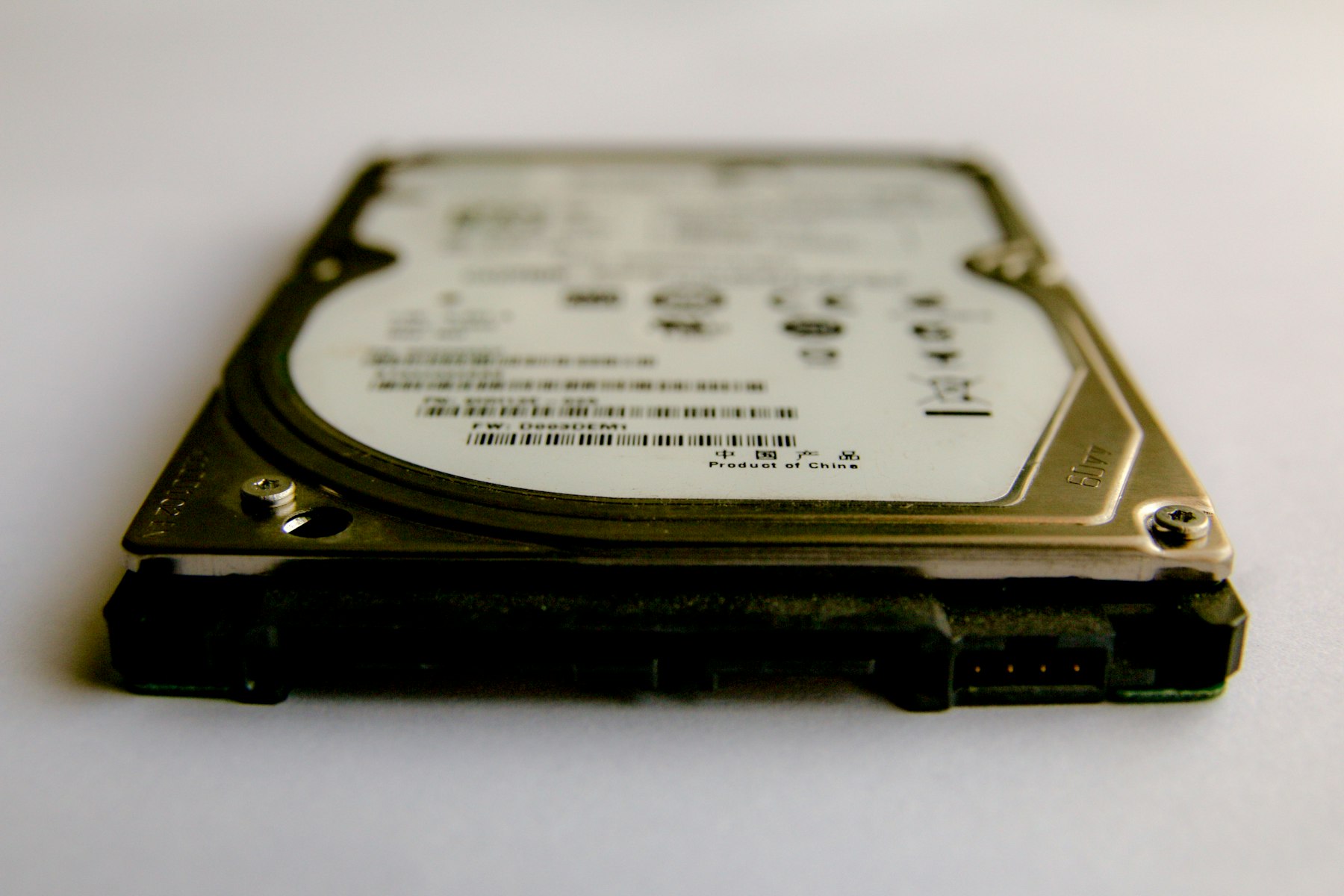
Hard Disk Not Showing In This PC: Check These Before Anything Else
An external hard drive not detected in This PC is often a cable or a missing drive letter. What to check, what never to click and when to scan.
How To Recover Deleted Files On Windows 10 And 11
Deleted a file on Windows 10 or 11? Where to look first, why speed matters and how a Quick Scan and a Deep Scan bring deleted files back.
Read Enough?
Scan The Drive For Free.
DRE Pro shows every file it can bring back before you pay. Install it on a different drive from the one that lost the files.