
 Data Recovery Software
 SSD Data Recovery
 Deleted File Recovery
The Drive Says RAW.The Files Say Otherwise.
Windows calls a drive RAW, or not accessible, or asks to format it, when the file system at the start of the drive has been damaged. The damage is usually a few sectors of bookkeeping. The photos, documents and videos further in are untouched. DRE Pro reads them out and leaves the broken file system exactly as it is. RAW drive recovery, in other words, without touching the drive.
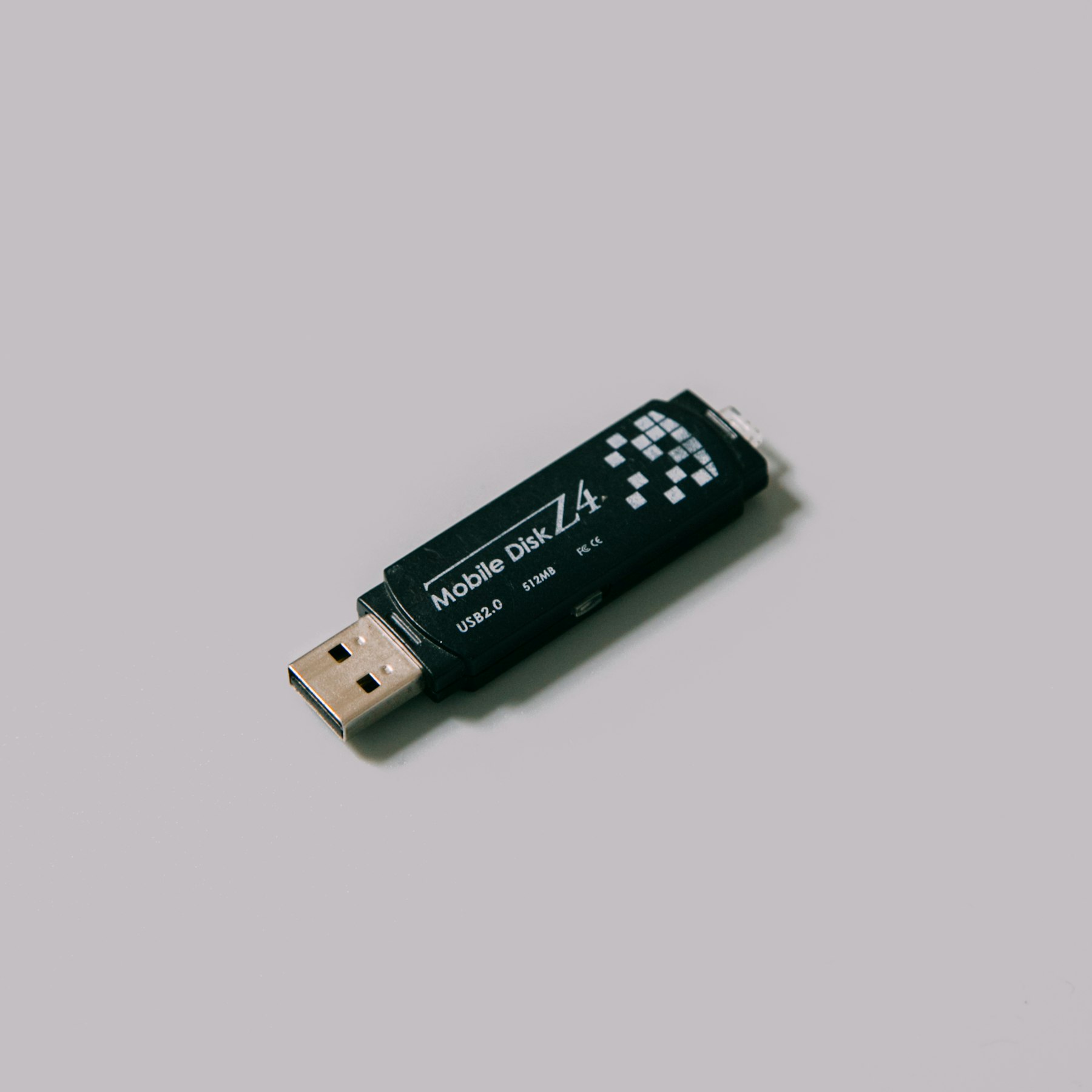

What Corrupted Drive Recovery Looks Like In DRE Pro
Drive Check First
Finds out why the drive will not open: the partition table, the boot sector, the file system or the device itself, with plain advice at the end.
Deep Scan Through The Damage
Reads every sector whatever the file system says, so a corrupt index does not hide the files.
RAW Scan
Finds files by their contents when the file system is beyond trusting. Choose the types you need.
No Repair In Place
DRE Pro never runs a fix on the drive. Repair tools write, and writing to a damaged drive is how recoverable becomes gone.
Image A Failing Drive
If the corruption comes from a dying disk, copy it once with Make An Image Of A Drive and scan the copy.
Waits Through Disconnects
A drive that drops out mid-scan is waited for, not abandoned.
When The Index Is Gone, Search By What Files Are Made Of.
RAW Scan looks for files by their contents, the JPG header, the MP4 index, the Office container, and lists them by type. Tick only the types you need and the list stays short.
 PhotosJPG, PNG, HEIC, RAW
 VideosMP4, MOV, AVI, MKV
 AudioMP3, WAV, FLAC, M4A
 DocumentsPDF, DOCX, XLSX, PPTX
 EmailsPST, MSG, EML
 ArchivesZIP, RAR, 7Z
 Other FilesEverything Else
How It Works, Step By Step
- Close the Windows box that offers to format or repair the drive. Do not click Yes.
- Run Drive Check to see what is broken and whether the drive itself is healthy.
- Run Deep Scan. If the results are thin, run a RAW Scan for the file types you need.
- Preview, then save everything to a different drive before you let anything repair this one.
Why People Pick DRE Pro For This
Not a list of adjectives. Three things that change what happens to your files.
Get the files out, then repair or replace the drive at leisure. The order matters.
Drive Check ends with advice you can act on, not an error code.
Reading cannot damage a drive further. Repairing can.
What Corrupted Really Means
A drive has a small area at the front that describes the rest: the partition table, the boot sector and the file system's own tables. Pull a pen drive out mid-write, lose power during a copy, or let a failing disk scribble a few bad sectors there, and Windows can no longer read that description. It reports RAW or not accessible and offers to format, which would write a fresh description and throw the old files away.
The files are still laid out on the drive the way they always were. A scan that reads sectors directly does not need the description.
Corrupted Pen Drives, Cards And External Disks
Removable drives are corrupted more often than internal ones because they are pulled out, dropped and plugged into cameras, printers and phones. The recovery is the same: scan, preview, save elsewhere. One extra check for a pen drive or card that shows the wrong size, such as 8 MB on a 64 GB card: the controller inside has failed, not the file system, and no software can read past it.
Questions People Ask Before This One
Short, honest answers. For anything else, the support desk picks up Monday To Saturday, 11:00 AM To 7:00 PM.
Can Files Be Recovered From A RAW Drive?
Should I Let Windows Repair The Drive?
The Drive Shows As 0 Bytes Or The Wrong Size.
Will The Folder Names Survive?
More Software Pages
All Software
Hard Drive Data Recovery
Internal and external hard disks
Formatted Drive Recovery
Files after a quick format

Disk Imaging And Cloning
Copy a weak drive, clone a disk
What Happened To Yours?
Every Situation
Pen Drive Gone Blank
Shows empty, or Windows asks to format it

Memory Card Not Opening
A camera or phone card that stopped working
External Disk Not Opening
Not opening, or opening with nothing inside
After A Virus
Files hidden, renamed or wiped
Drives This Covers
All DrivesScan For Free.
Pay Only To Save.
See every file DRE Pro can bring back before you spend a rupee. ₹999 per computer a year, or ₹299 a month, plus GST.