
 Data Recovery Software
 Deleted File Recovery
 Pen Drive Gone Blank
 Memory Card Not Opening
Hard Drive Data RecoveryFor The Disk That Stopped Opening.
A hard disk holds files for years and then one morning it asks to be formatted, or shows up empty, or does not show up at all. DRE Pro is hard drive data recovery software for exactly that morning. It reads the disk underneath Windows, finds the files and folders that are still there and lets you check each one before you spend anything.
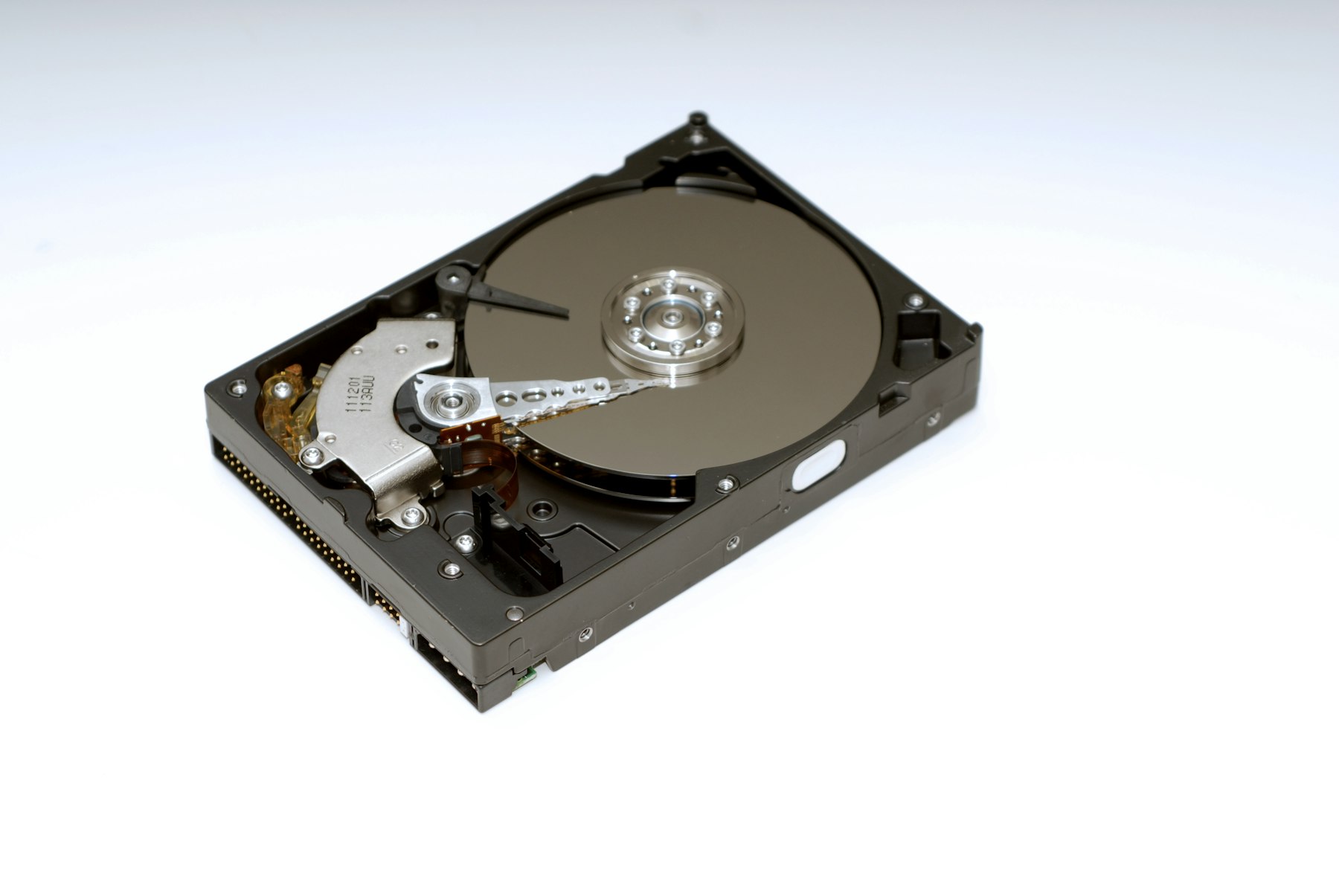

What Hard Drive Data Recovery Looks Like In DRE Pro
Internal And External Disks
The disk inside a PC or laptop, the USB disk on the desk and a bare disk in a USB dock all show up under Drives And Locations.
Deep Scan With Pause
Reads every sector of a 1 TB or 2 TB disk, hours of work, and lets you pause, shut down and resume tomorrow.
Lost Partition Recovery
A D: that vanished from This PC is usually still on the disk. DRE Pro finds the partition first, then the files inside it.
Drive Health And Drive Check
See why a disk will not open: the partition table, the boot sector or the device itself, with plain advice at the end.
Image A Weak Disk
Make An Image Of A Drive copies a clicking or disconnecting disk to an image file. Scan the image as many times as you like.
Waits For A Dropped Disk
If a loose USB cable drops the disk mid-scan, DRE Pro waits for it to come back instead of failing.
Check The Disk's Health Before A Long Scan.
Drive Health reads the disk's own report: temperature, hours powered on, reallocated sectors and a verdict. A disk marked Copy It Now should be imaged first, then scanned from the image, so the tired disk is read once.
How It Works, Step By Step
- Stop writing to the disk. Do not format it, do not let Windows repair it and do not install anything on it.
- Open Drive Health. If the disk says Warning or Copy It Now, make an image first.
- Run Quick Scan for a recent delete or Deep Scan for a format, a RAW disk or an unknown problem.
- Browse the results like File Explorer, open a few files to be sure, then save to another disk.
Why People Pick DRE Pro For This
Not a list of adjectives. Three things that change what happens to your files.
Imaging a weak disk means it is read once, in order, instead of ten times in a hurry.
A Quick Scan usually brings files back with their real names and the folder tree they lived in.
Each file is marked Good, Risky or Overwritten. You do not pay to find out a file is unusable.
What Goes Wrong With Hard Disks
- A quick format on the wrong disk. The index is replaced, the files are still there.
- Windows asks to format the disk. The file system is damaged, not the files.
- The disk shows in Disk Management but not in This PC. The partition is lost or has no letter.
- Clicking, slow copying, random disconnects. The disk is failing and every read costs it.
- A disk from an old computer that nobody has the password or the PC for any more.
External Hard Drive Recovery
External hard drive recovery is the same job with two extras: the USB bridge inside the case can die while the disk is fine, and the cable can drop out halfway through a scan. If Windows cannot see the disk at all, try another cable and port, then another computer. If the disk still does not appear anywhere, software cannot reach it and a lab is the next stop. If it appears, DRE Pro can scan it and will wait through a disconnect.
Questions People Ask Before This One
Short, honest answers. For anything else, the support desk picks up Monday To Saturday, 11:00 AM To 7:00 PM.
Can It Recover From A Hard Drive That Is Not Detected?
How Long Does A Deep Scan Of A 1 TB Hard Disk Take?
The Disk Makes A Clicking Noise. Should I Scan It?
Does It Support NTFS Hard Disks?
Can It Repair The Hard Drive?
More Software Pages
All Software
Corrupted Drive Recovery
RAW, unreadable or will not open

SSD Data Recovery
SATA SSDs and NVMe drives
Disk Imaging And Cloning
Copy a weak drive, clone a disk
What Happened To Yours?
Every SituationExternal Disk Not Opening
Not opening, or opening with nothing inside
Formatted The Drive
A quick format on the wrong disk
Partition Lost
A drive letter gone from This PC
Windows Reinstalled
A fresh install took the old files
Drives This Covers
All DrivesScan For Free.
Pay Only To Save.
See every file DRE Pro can bring back before you spend a rupee. ₹999 per computer a year, or ₹299 a month, plus GST.