
 Data Recovery Software
 SSD Data Recovery
 Deleted File Recovery
 Pen Drive Gone Blank
 Memory Card Not Opening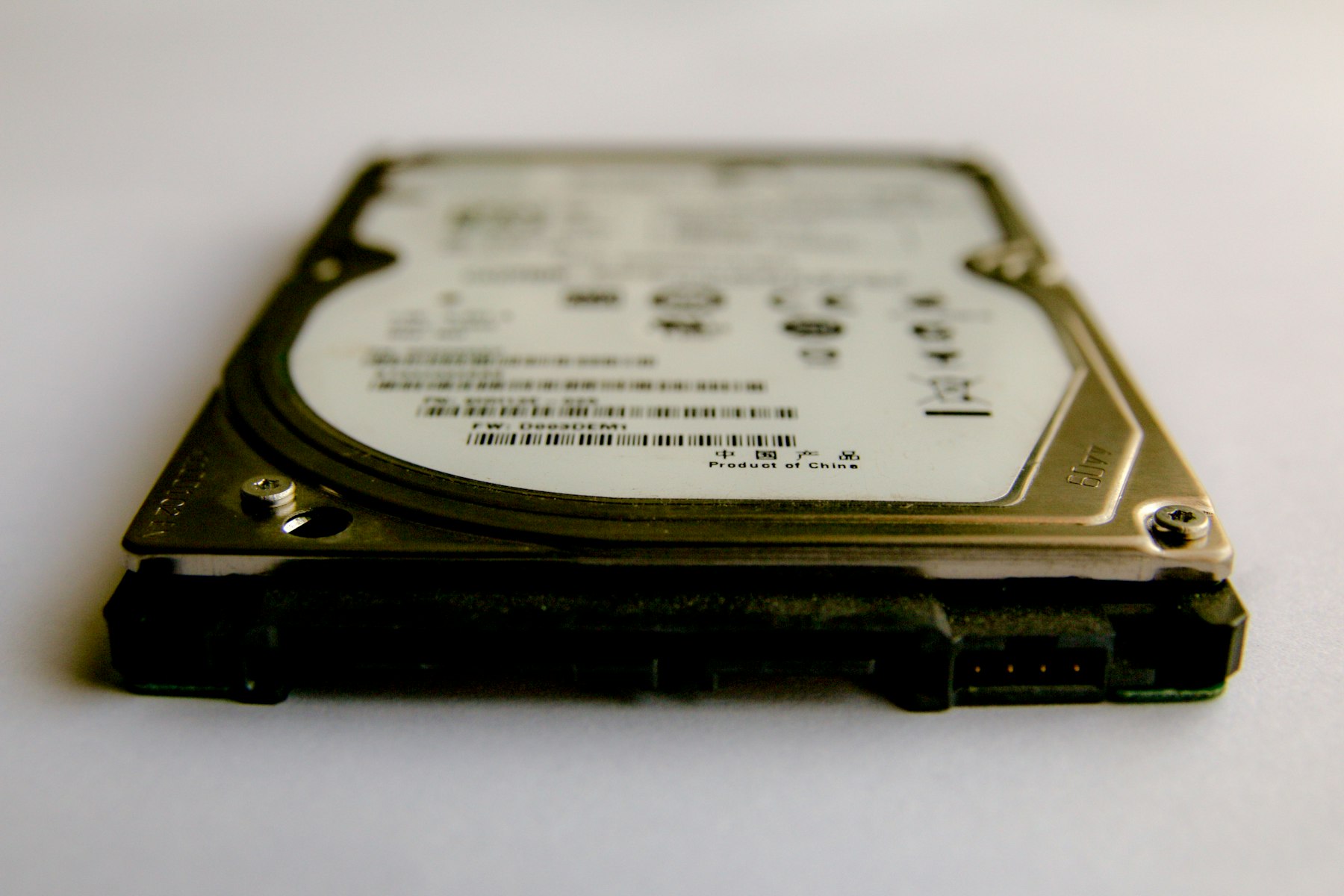

External Hard DiskYears Of Backups On One Thin Cable.
The USB disk with every photo since college, the office's old accounts and that one folder nobody else has. External disks are dropped, unplugged mid-copy and powered by thin cables. When one stops opening, the files are usually still on it. The trick is to not make it worse.
External disks are usually NTFS or exFAT. DRE Pro reads NTFS, exFAT and FAT.
Reads every sector from the first to the last. Works after a format. Can be paused.
Most problems on this kind of drive damage the index, so a Deep Scan that does not need the index is the one that finds the files.
The Tools That Help Here
If the disk disconnects mid-scan, DRE Pro waits for it and carries on.
A big disk takes time. Stop tonight, finish tomorrow from Saved Scans.
Check the health percentage first so a weak disk is not pushed too hard.
Copy a failing disk to an image and scan the image.
Worth Knowing Before It Happens
- Always use Safely Remove before pulling the cable.
- Use the cable the disk came with and a port at the back of a desktop.
- Save recovered files to a different disk, never back onto this one.
- Two external disks with the same files is a backup. One is just a disk.
What Happened To Yours?
Every SituationExternal Disk Not Opening
Not opening, or opening with nothing inside

Formatted The Drive
A quick format on the wrong disk
Partition Lost
A drive letter gone from This PC
Photos And Videos Missing
A whole trip or a whole shoot, gone
Other Drives
Scan For Free.
Pay Only To Save.
See every file DRE Pro can bring back before you spend a rupee. ₹999 per computer a year, or ₹299 a month, plus GST.