
 Data Recovery Software
 SSD Data Recovery
 Deleted File Recovery
 Pen Drive Gone Blank
 Memory Card Not Opening
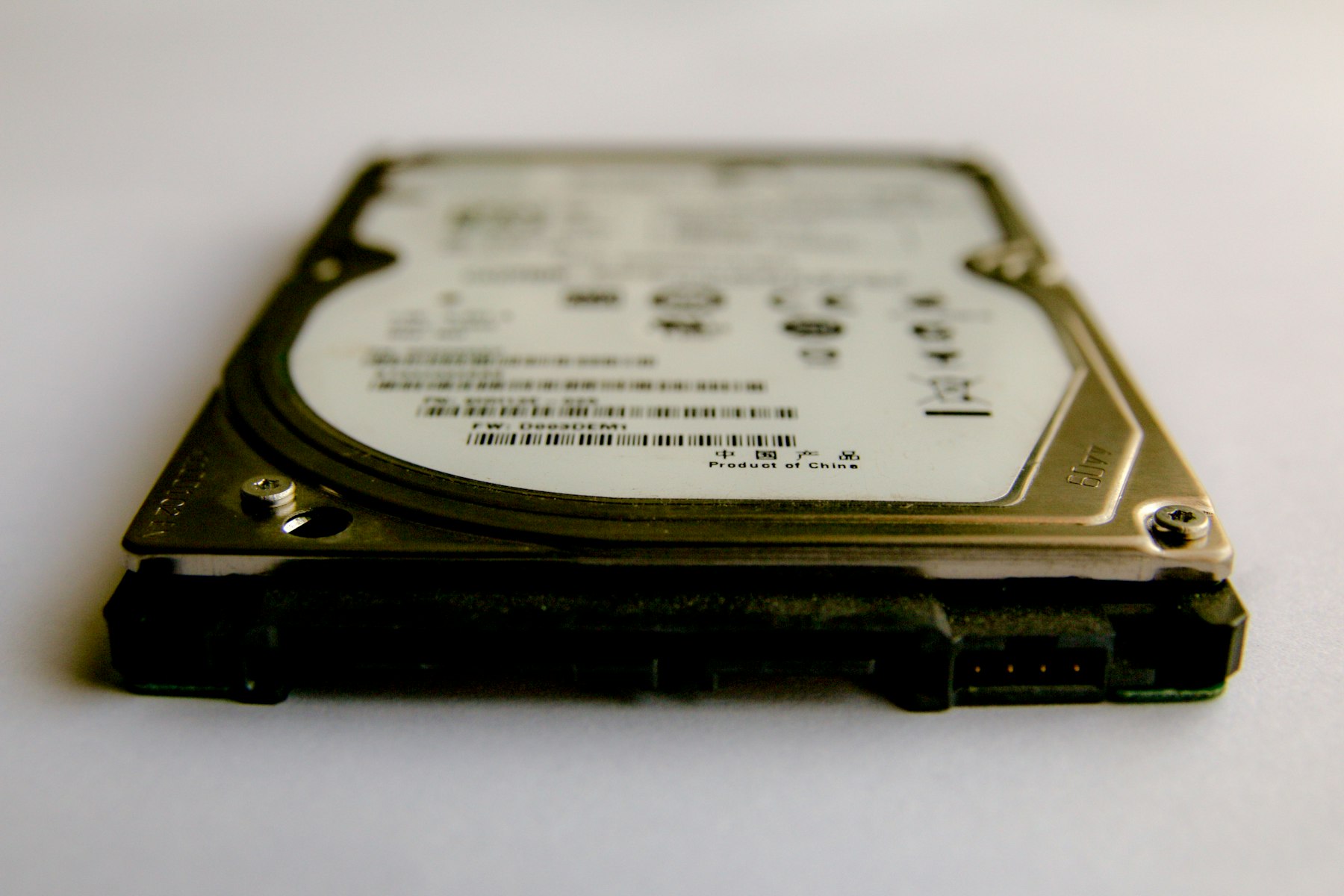
Copy The Drive Once.Then Do Everything To The Copy.
A drive that clicks, overheats or disconnects has a limited number of reads left in it. Spend them on one careful, in-order copy and the recovery runs on the image file, as many times as it takes. The same disk imaging software clones a healthy disk to a new one when it is time to move, so disk cloning software is not a separate purchase.
What Disk Imaging And Cloning Looks Like In DRE Pro
Make An Image Of A Drive
A full sector copy of any drive Windows can see, written to an image file on another disk.
Scan This Image
The image opens under Drives And Locations like a drive. Quick Scan, Deep Scan and RAW Scan all run on it.
Clone Entire Disk
Copy one disk to another, partitions and all, when you are replacing a healthy drive with a bigger or faster one.
Migrate Windows
Move a working Windows installation to a new disk, even a smaller one, with C: shrunk to fit and grown back after.
Windows To Image File
Keep a full copy of the Windows disk as an image before a risky change.
Drive Health Decides
The health report tells you whether to image first. Copy It Now means exactly that.
Make An Image Of A Drive, Then Scan This Image.
The image is a sector-by-sector copy of the whole drive, free space included, because the free space is where deleted files live. When it finishes, Scan This Image recovers from the copy.
How It Works, Step By Step
- Check Drive Health. A warning or a falling percentage means image before anything else.
- Connect a destination disk with more free space than the source drive's full size.
- Open Disk Tools, choose Make An Image Of A Drive, pick the source and the destination.
- When it finishes, press Scan This Image and recover from the copy. Keep the original unplugged.
Why People Pick DRE Pro For This
Not a list of adjectives. Three things that change what happens to your files.
Ten nervous scans become one steady copy. The drive gets a rest and the recovery gets a stable source.
Quick, Deep, Signature, repeated as often as you like, without wearing the original.
Clone the healthy disk before it becomes a weak one and the bad day never arrives.
Disk Image Against Backup
A backup copies the files the file system knows about. A disk image copies every sector, including the free space, the deleted files, the lost partitions and the damaged tables. For recovery only the image is useful, because the things you are looking for are precisely the ones the file system no longer lists. The image file is the same size as the drive, so a 1 TB drive needs a 1 TB file.
Cloning A Disk
Clone Entire Disk copies the partitions and the boot information, so a cloned Windows disk starts up like the original. Migrate Windows is the version for a new SSD that is smaller than the old hard disk: it works out how much of C: is actually used, shrinks the copy to fit and expands it again on the new disk. The destination is wiped in the process, so pick it carefully.
Questions People Ask Before This One
Short, honest answers. For anything else, the support desk picks up Monday To Saturday, 11:00 AM To 7:00 PM.
How Big Is A Disk Image?
Can I Image A Drive That Keeps Disconnecting?
Does Cloning Copy Deleted Files Too?
Can I Clone A Hard Drive To A Smaller SSD?
More Software Pages
All Software
Hard Drive Data Recovery
Internal and external hard disks
OS Migration Software
Move Windows to a new disk

Corrupted Drive Recovery
RAW, unreadable or will not open
What Happened To Yours?
Every SituationExternal Disk Not Opening
Not opening, or opening with nothing inside
Partition Lost
A drive letter gone from This PC
Drives This Covers
All DrivesScan For Free.
Pay Only To Save.
See every file DRE Pro can bring back before you spend a rupee. ₹999 per computer a year, or ₹299 a month, plus GST.