Data Recovery Software
 Hard Drive Data Recovery
 SSD Data Recovery
 Deleted File Recovery
 Pen Drive Gone Blank
 Memory Card Not Opening
 External Hard Disk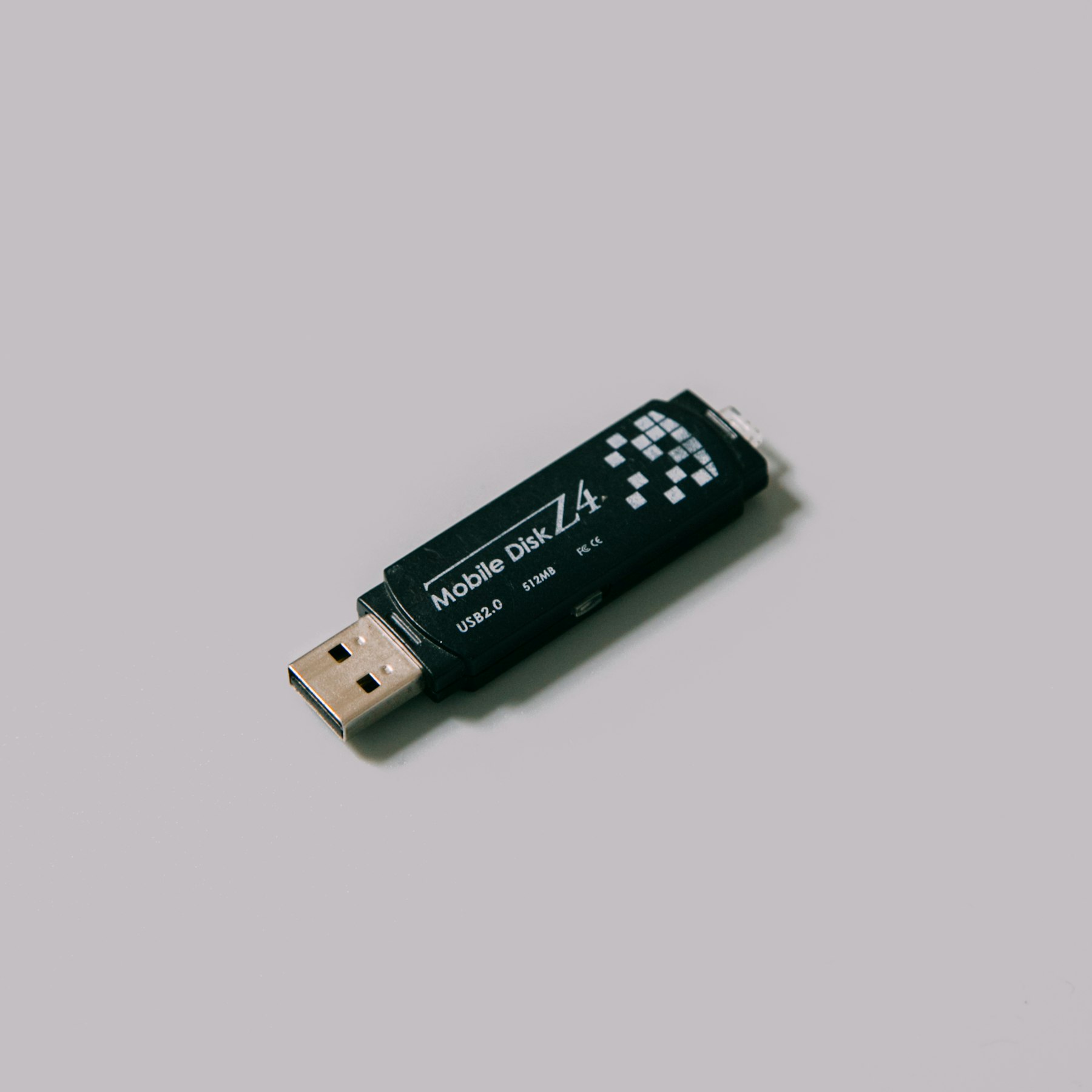
Why A Pen Drive Does This
Pulling a pen drive out while it is still writing is the usual cause. So is a loose connector, a power cut or a cheap hub. The drive's index, a small area at the start, gets half written. Windows cannot make sense of it and decides the whole drive is blank.
The rest of the drive, where your files actually live, is usually untouched.
From Cancel To Safe Copy
- Open DRE Pro. The pen drive appears under External Drives, even if Windows gave it no letter.
- Run a Quick Scan. If you can see your folders, preview and save.
- Not there? Run a Deep Scan on the same drive.
- Connector a little loose? If the drive drops out during the scan, DRE Pro waits for it to come back and carries on.
- Save the files to the computer's own drive. Then and only then, format the pen drive if you want to keep using it.
When It Will Not Come Back
We would rather tell you now than after you have paid.
- The drive is not seen by the computer at all, not even in Disk Management. Software cannot read a device Windows cannot reach.
- The pen drive is physically broken: cracked, bent at the connector or burnt. That needs hands-on repair, not software.
- It was formatted and then filled with new files.