
 Data Recovery Software
 SSD Data Recovery
 Pen Drive Gone Blank
 Memory Card Not Opening
 External Hard Disk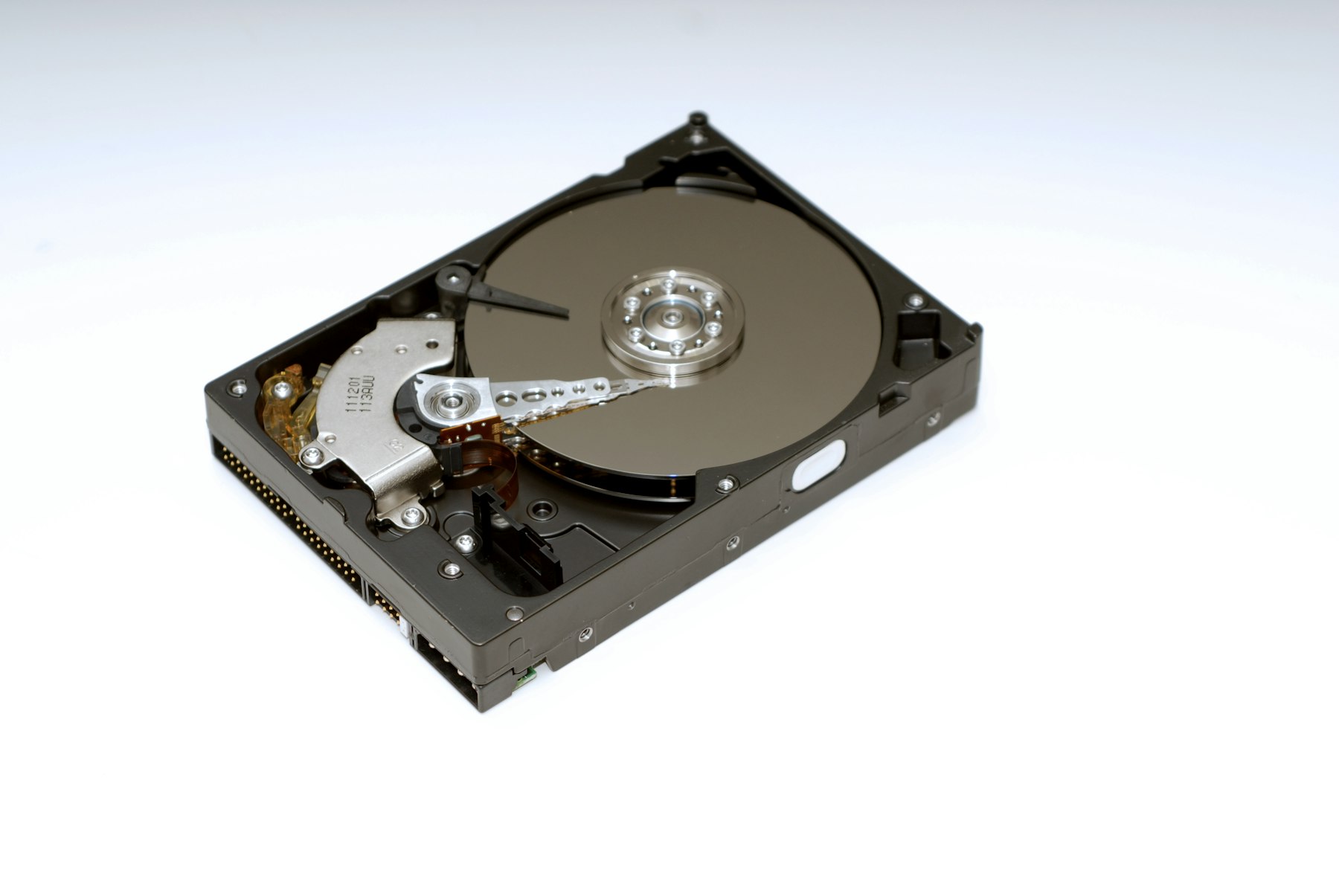

Hard DiskThe Drive That Warns You Before It Dies.
The spinning disk inside a desktop or an older laptop. It holds years of work, it wears out slowly and it usually warns you before it goes. A hard disk is also the drive where deleted files survive longest, because nothing clears them until they are written over.
Windows hard disks use NTFS. DRE Pro reads NTFS, exFAT and FAT partitions.
Reads the drive's own index. Recently deleted files come back with their names and folders.
Start with a Quick Scan for anything deleted recently. Switch to a Deep Scan if the files are not in the list.
The Tools That Help Here
Quick for recent deletes with names and folders. Deep for formatted disks, sector by sector.
Finds partitions that were deleted or lost and shows the folders inside them.
Reads the disk's own health report: health, temperature, power-on time, S.M.A.R.T. status.
Copies a failing disk to an image file once, so the scan reads the copy, not the disk.
Worth Knowing Before It Happens
- Lost files on C:? Use the computer as little as possible until the scan is done.
- Check Drive Health once in a while. A falling health number is the cheapest warning you will ever get and on Warning or Failing you copy first and recover second.
What Happened To Yours?
Every Situation
Deleted By Mistake
Shift+Delete, or a Recycle Bin you already emptied
Formatted The Drive
A quick format on the wrong disk
Partition Lost
A drive letter gone from This PC
Windows Reinstalled
A fresh install took the old files
Other Drives
Scan For Free.
Pay Only To Save.
See every file DRE Pro can bring back before you spend a rupee. ₹999 per computer a year, or ₹299 a month, plus GST.