
 Data Recovery Software
 Deleted File Recovery
 Pen Drive Gone Blank
 Memory Card Not Opening
 External Hard Disk
Move Windows To A New Disk.Keep Everything As It Was.
Reinstalling Windows means a day of downloads, licences and settings you had forgotten about. Migrate Windows copies the installation you already have, programs, settings, files and the boot information, onto the new disk. Fit the disk, start up, carry on. It even works when the new SSD is smaller than the old hard disk, which is the usual reason people look for a way to migrate Windows to SSD.
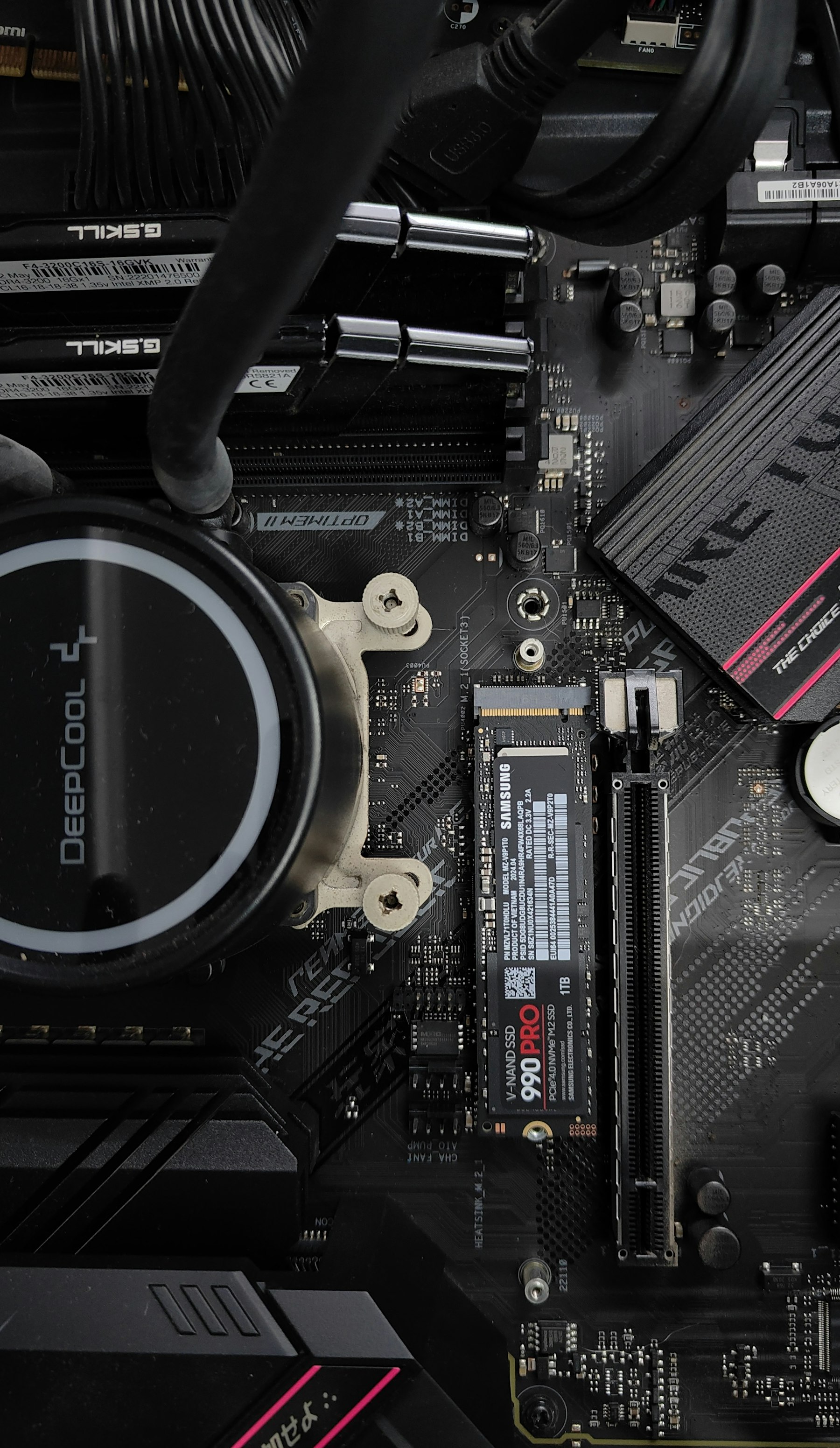
What OS Migration Software Looks Like In DRE Pro
Migrate Windows
Copies the Windows installation and its boot partitions to a new disk. Programs and settings come with it.
Smaller Disk, Same Windows
C: is shrunk to the space actually used, copied and grown back to fill the new disk.
Clone Entire Disk
A like-for-like copy of the whole disk, every partition, for a bigger replacement.
Windows To Image File
A full copy of the Windows disk saved as an image, before a risky change.
Check The New Disk First
Drive Health and Drive Check on the new SSD before you trust it with your installation.
Shows The Sizes Up Front
Source capacity, how much Windows uses, what it needs and what the new disk offers, before you press Start.
Clone Or Migrate A Disk, Three Ways.
Migrate Windows moves the Windows disk to a new one, shrinking C: to fit if needed. Clone Entire Disk copies every partition as it is. Windows To Image File keeps a full copy of the Windows disk as a file.
How It Works, Step By Step
- Connect the new disk, inside the computer or in a USB enclosure.
- Open Clone Or Migrate A Disk and choose Migrate Windows.
- Pick the current Windows disk as the source and the new disk as the target. Check the sizes shown.
- Start, wait for it to finish, then fit the new disk and start the computer from it.
Why People Pick DRE Pro For This
Not a list of adjectives. Three things that change what happens to your files.
Everything stays: the programs, the desktop, the browser logins, the printer that took an hour to set up.
The usual blocker, a 1 TB hard disk moving to a 500 GB SSD, is handled when the used data fits.
The source is read, not changed. If anything goes wrong, you put the old disk back.
When To Migrate And When To Clone
Migrate Windows is for moving the operating system to a new disk, usually a faster SSD, and it handles a target smaller than the source. Clone Entire Disk is for a straight copy of everything on a disk, including data partitions, onto a disk at least as big. Windows To Image File is for keeping a copy of the Windows disk as a file you can scan later.
Before You Start
- The target disk is wiped. Make sure nothing on it is needed.
- The used space on C: must fit on the new disk. The tool shows both figures.
- Plug a laptop into the mains. A migration interrupted by a flat battery leaves the target half written.
- After the move, keep the old disk unplugged for the first start, so Windows boots from the new one.
Questions People Ask Before This One
Short, honest answers. For anything else, the support desk picks up Monday To Saturday, 11:00 AM To 7:00 PM.
Can I Migrate Windows To A Smaller SSD?
Will My Programs And Licences Still Work?
Does It Need A Reinstall Of Windows?
Can I Clone To A USB Disk And Boot From It?
More Software Pages
All Software
Disk Imaging And Cloning
Copy a weak drive, clone a disk

SSD Data Recovery
SATA SSDs and NVMe drives

Hard Drive Data Recovery
Internal and external hard disks
What Happened To Yours?
Every Situation
Drives This Covers
All DrivesScan For Free.
Pay Only To Save.
See every file DRE Pro can bring back before you spend a rupee. ₹999 per computer a year, or ₹299 a month, plus GST.