
 Data Recovery Software
 SSD Data Recovery
Formatted The Wrong Drive?The Files Are Still On It.
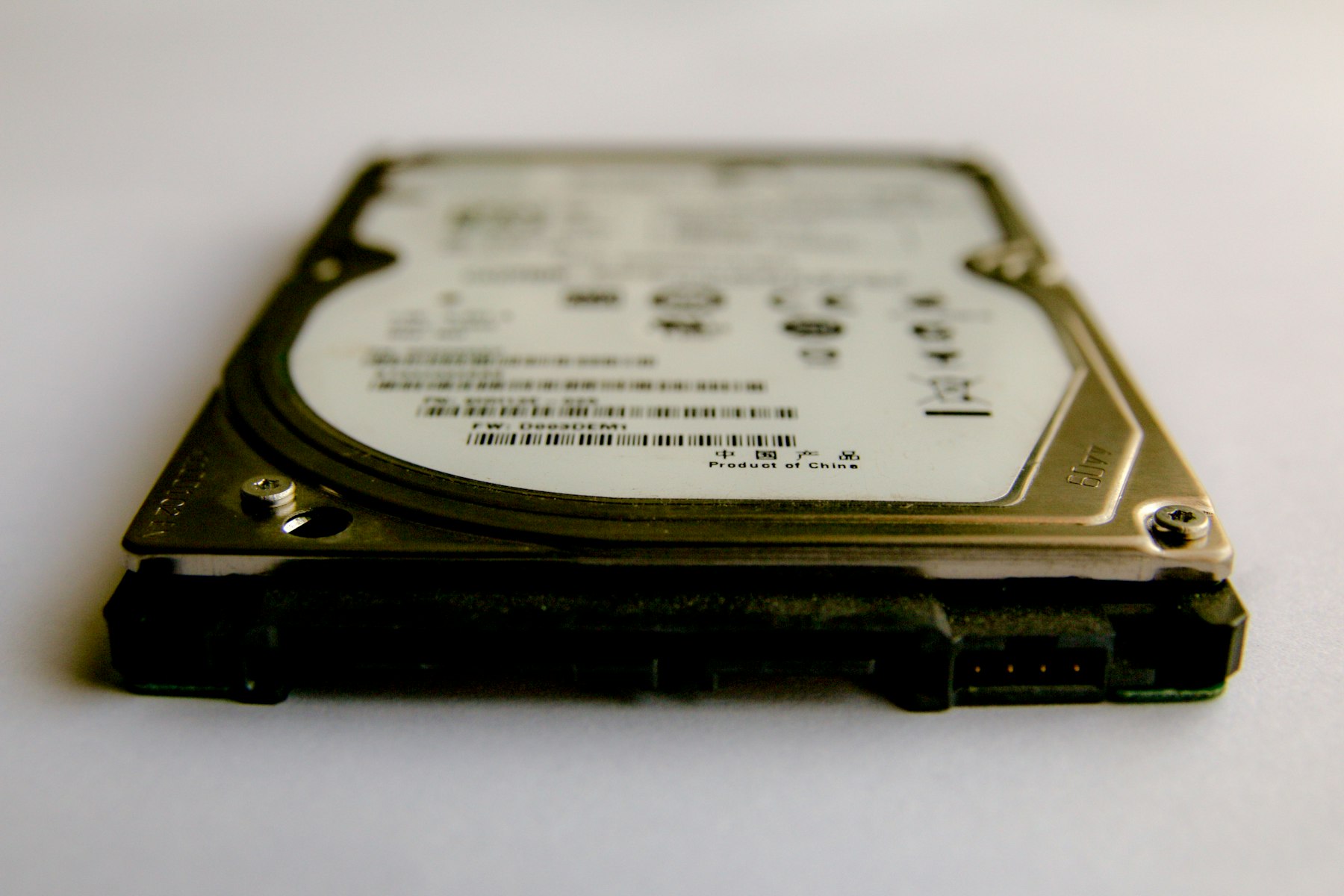
A quick format takes seconds because it does almost nothing. It writes a fresh, empty index and leaves every file where it was. Deep Scan ignores the new index, reads the drive from the first sector to the last and finds the files by what they are. The only thing that can stop it is new data written after the format. That is how to recover data after format, and it is the whole job of this page.
What Formatted Drive Recovery Looks Like In DRE Pro
Deep Scan, First Sector To Last
Reads the whole drive and lists every file it recognises, however the drive was formatted.
Pause And Resume
A full read of a big disk takes hours. Stop it, shut down and continue later from the same spot.
Works Across File Systems
Formatted from NTFS to exFAT, or FAT to NTFS. The old files are found regardless of the new label.
Lost Partition Recovery
When a format also replaced the partition table, find the old partition first and scan inside it.
Filter By Type
Only the photos, or only the Excel files, so the list is short and the save is quick.
Marks On Every File
Good, Risky or Overwritten, so a drive used after the format shows you honestly what survived.
Deep Scan Does Not Need The Index.
After a format the old index is gone, so a Quick Scan has nothing to read. Deep Scan reads every sector and recognises photos, videos, documents and archives from the inside.
 PhotosJPG, PNG, HEIC, RAW
 VideosMP4, MOV, AVI, MKV
 AudioMP3, WAV, FLAC, M4A
 DocumentsPDF, DOCX, XLSX, PPTX
 EmailsPST, MSG, EML
 ArchivesZIP, RAR, 7Z
 Other FilesEverything Else
How It Works, Step By Step
- Do not use the drive. Do not copy anything onto it to see if it works.
- Pick the drive under Drives And Locations and choose Deep Scan.
- Let it run. Pause it if you need the computer, resume when you do not.
- Filter to the file types you want, preview a few, then save to another drive.
Why People Pick DRE Pro For This
Not a list of adjectives. Three things that change what happens to your files.
Quick format, a format from the Windows prompt, a format on a camera. All leave the files behind.
Broken files found during the scan are repaired while it runs. Nothing extra to click.
Scan and preview free. Pay only when the list has what you lost.
Quick Format Against Full Format
A quick format writes a new empty index and stops. A full format in modern Windows also writes zeros over the drive, which does destroy the files. Most accidental formats are quick ones, because that is the default, and because a full format of a big disk takes long enough that people notice and cancel it. If Windows spent an hour formatting, the chances are lower. If it took seconds, start the Deep Scan.
Formatted Pen Drives And Memory Cards
Cameras format cards quickly and pen drives get formatted by mistake when Windows asks and someone clicks Yes. Both use FAT or exFAT and both scan well. The file names from a camera are usually lost after a format, so DRE Pro sorts the found photos by date and type instead. Open a few, pick the batch, save.
Questions People Ask Before This One
Short, honest answers. For anything else, the support desk picks up Monday To Saturday, 11:00 AM To 7:00 PM.
Can Data Be Recovered After A Quick Format?
What About A Full Format?
Will The File Names Come Back?
I Formatted To A Different File System. Does That Matter?
More Software Pages
All Software
Deleted File Recovery
Shift+Delete and the emptied Recycle Bin

Hard Drive Data Recovery
Internal and external hard disks

Corrupted Drive Recovery
RAW, unreadable or will not open
What Happened To Yours?
Every SituationFormatted The Drive
A quick format on the wrong disk

Pen Drive Gone Blank
Shows empty, or Windows asks to format it

Memory Card Not Opening
A camera or phone card that stopped working
Drives This Covers
All DrivesScan For Free.
Pay Only To Save.
See every file DRE Pro can bring back before you spend a rupee. ₹999 per computer a year, or ₹299 a month, plus GST.