
 Data Recovery Software
 SSD Data Recovery
 Deleted File Recovery
 Memory Card Not Opening
 External Hard Disk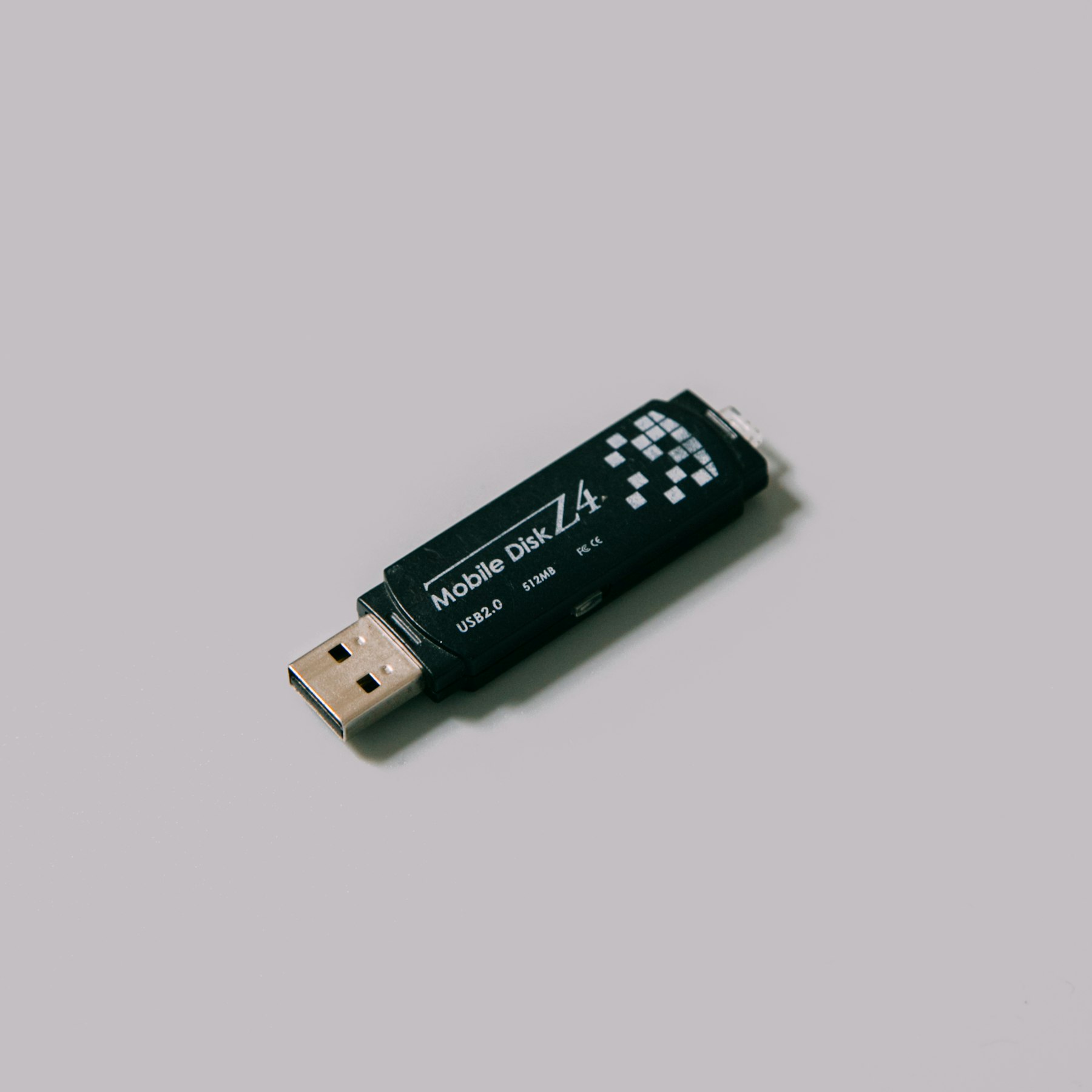

Pen DriveUsually The Index Breaks, Not Your Files.
USB and USB-C flash drives go everywhere: print shops, college labs, office computers, the car. They get pulled out mid-copy and pick up viruses on the way. Most of the time what breaks is the index at the start of the drive and the files behind it are fine.
Pen drives are usually FAT or exFAT, sometimes NTFS. DRE Pro reads all three.
Reads every sector from the first to the last. Works after a format. Can be paused.
Most problems on this kind of drive damage the index, so a Deep Scan that does not need the index is the one that finds the files.
The Tools That Help Here
DRE Pro lists the pen drive even when Windows gives it no letter.
Finds files by their contents, which is what a 'format it' drive needs.
Folders a virus hid show up like any other.
For a wrecked file system, search only for Photos, Documents or the types you choose.
Worth Knowing Before It Happens
- Click Cancel on any format message until your files are safe.
- Anything that lives only on a pen drive is one wash cycle from gone. Keep a second copy.
What Happened To Yours?
Every SituationPen Drive Gone Blank
Shows empty, or Windows asks to format it
After A Virus
Files hidden, renamed or wiped

Formatted The Drive
A quick format on the wrong disk
Other Drives
Scan For Free.
Pay Only To Save.
See every file DRE Pro can bring back before you spend a rupee. ₹999 per computer a year, or ₹299 a month, plus GST.