
 Hard Drive Data Recovery
 SSD Data Recovery
 Pen Drive Gone Blank
 External Hard Disk
Phone Photos Gone?Start With The Card And The Computer.
Most phone photos that matter exist in more than one place: the microSD card in the phone, the folder you copied to the laptop last Diwali, the backup disk. DRE Pro scans every one of those from a Windows computer. Mobile data recovery software that reads an Android phone or an iPhone directly is being built by the same team and will have its own page and its own sign-in here.
What Mobile Data Recovery Looks Like In DRE Pro
microSD And SD Cards
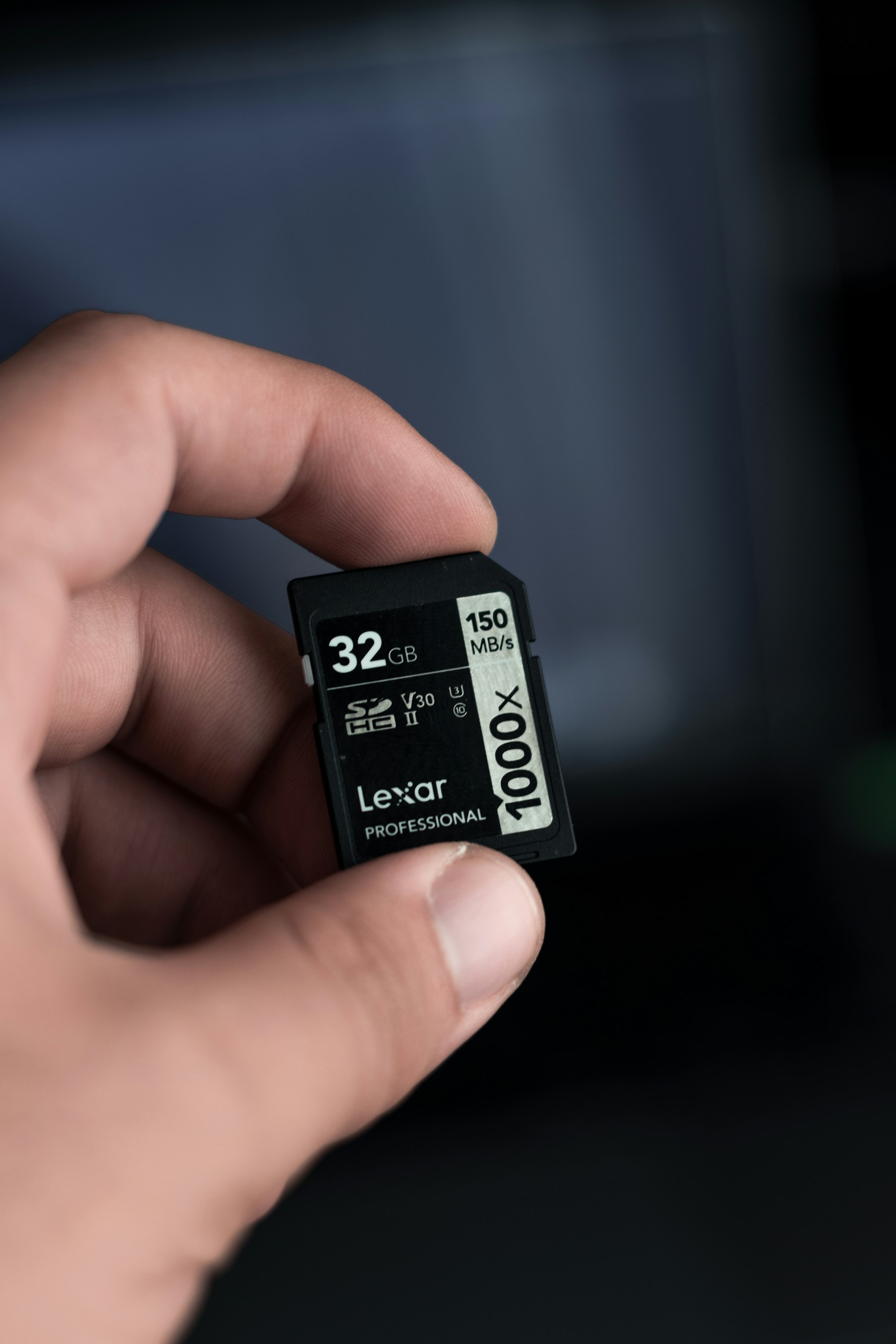
The card from an Android phone, a camera or a dashcam, in any USB reader. FAT and exFAT, which is what phones use.
Copies On The Computer
Photos copied to a PC and deleted later are found on the PC's own drive with a Quick Scan.
Photo And Video Repair
Phone videos found in pieces are reassembled from their own index. Broken JPGs are repaired during the scan.
Backup Disks
The external disk that held the phone backup is a normal drive to DRE Pro.
Preview Before Paying
See the photos in the results. Buy a licence only if the ones you want are there.
Direct Phone Recovery, Coming
A separate product for Android and iPhone is in development at Data Engineers, with its own customer account on this site.
The Card From The Phone Shows Up Like Any Drive.
Put the microSD card in a reader and it appears under Drives And Locations with its size and file system. Quick Scan for a recent delete, Deep Scan for a card the phone wanted to format.
How It Works, Step By Step
- Take the card out of the phone. Do not take more photos on it. SD card recovery starts with the card leaving the phone.
- Put the card in a USB reader on a Windows computer with DRE Pro installed.
- Pick the card and run Quick Scan, then Deep Scan if the photos are not listed.
- Preview, then save the photos to the computer, never back to the card.
Why People Pick DRE Pro For This
Not a list of adjectives. Three things that change what happens to your files.
No promise of reading a phone's internal storage. The card and the computer are what DRE Pro reads now.
Phone videos that will not play are put back together as part of the scan.
One DRE Pro licence covers the card, the PC drive and the backup disk on that computer.
Where Phone Photos Can Be Recovered From
- The phone's microSD card, if the phone has one and the camera saved to it.
- The computer's drive, if the photos were ever copied there and deleted later.
- An external disk or pen drive that carried a backup.
- A card from a camera, dashcam or drone, which the phone only viewed.
What DRE Pro Does Not Do Yet
It does not read a phone's internal storage over a cable, and it does not open cloud accounts. Modern phones encrypt their internal storage and only hand files to a computer through the phone's own software, which is why that needs a product built for it. That product is being built by Data Engineers. Until it ships, the card and the copies are the honest route.
Questions People Ask Before This One
Short, honest answers. For anything else, the support desk picks up Monday To Saturday, 11:00 AM To 7:00 PM.
Can It Recover Deleted Photos From The Phone Itself?
Will There Be An Android Or iPhone Recovery Product?
The Phone Said The Card Is Corrupted And Must Be Formatted.
Which Card Types Are Supported?
More Software Pages
All Software
File Reconstruction And Repair
Broken photos and videos fixed

Deleted File Recovery
Shift+Delete and the emptied Recycle Bin

Data Recovery Software
Scan free, see your files, then save
What Happened To Yours?
Every Situation
Memory Card Not Opening
A camera or phone card that stopped working
Photos And Videos Missing
A whole trip or a whole shoot, gone

Video Will Not Play
Recovered clips that refuse to open
Drives This Covers
All DrivesScan For Free.
Pay Only To Save.
See every file DRE Pro can bring back before you spend a rupee. ₹999 per computer a year, or ₹299 a month, plus GST.