Data Recovery Software
 Hard Drive Data Recovery
 SSD Data Recovery
 Deleted File Recovery
 Pen Drive Gone Blank
 Memory Card Not Opening
 External Hard Disk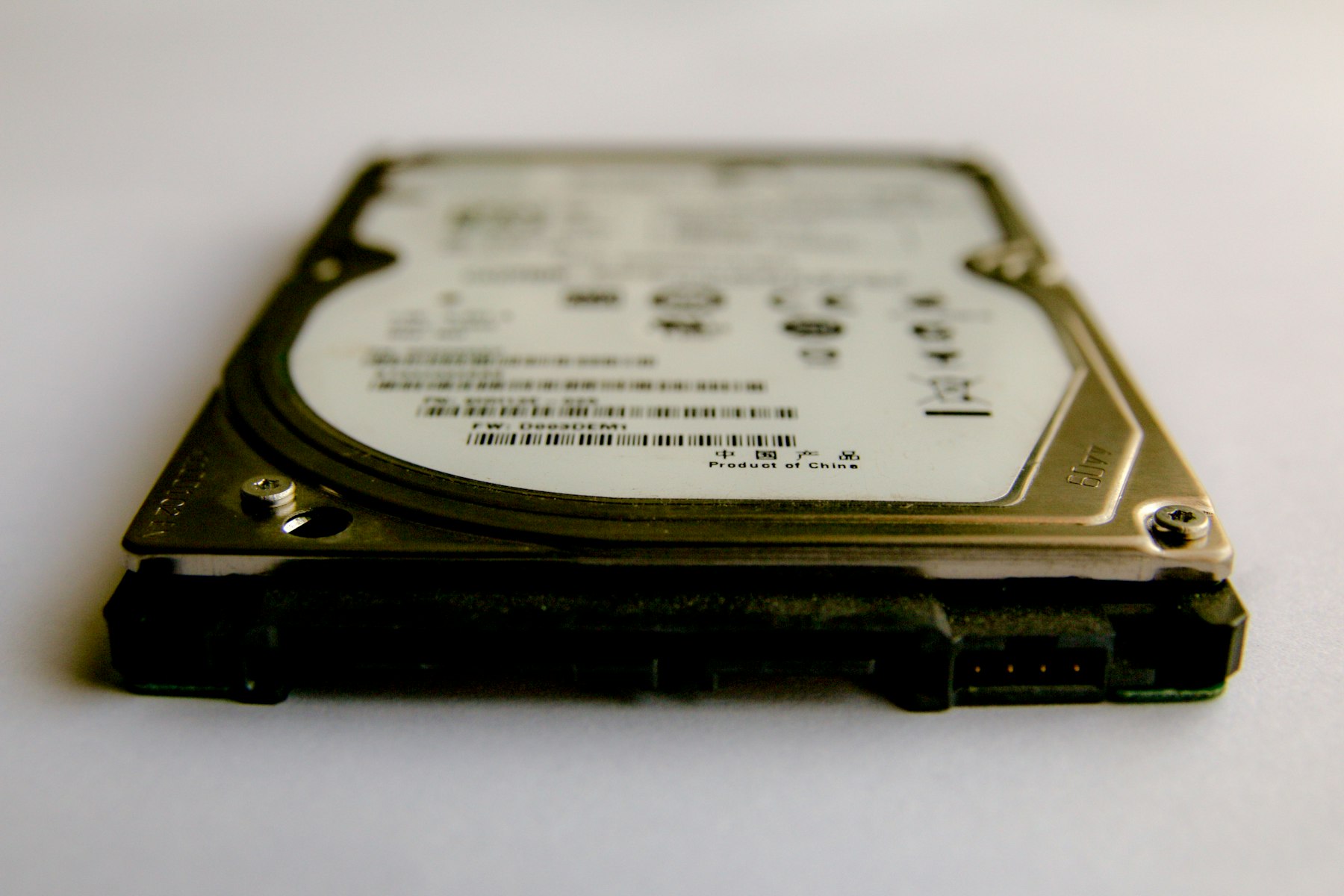
Why External Disks Fail
They live hard lives. Knocked off desks, unplugged without ejecting, carried in bags, powered by thin cables. The file system gets damaged, the drive starts to wear, or both. A disk that asks to be formatted usually has a damaged file system and healthy files.
Health First, Then The Scan
- Open DRE Pro and go to Drive Health. Read the health percentage and status.
- Healthy? Run a Quick Scan from Drives And Locations, then a Deep Scan if needed.
- Warning or Failing? Use Create Disk Image to copy it to another drive with enough space.
- Open the image from Disk Image Recovery and scan it there.
- Save what you find to a third place, not the weak disk.
A Loose Cable Will Not Ruin The Scan
If the disk drops out during a scan, DRE Pro waits for it to come back and carries on from where it was. Long scans can also be paused and resumed later from Saved Scans.
When It Will Not Come Back
We would rather tell you now than after you have paid.
- The disk clicks or grinds. Mechanical damage needs a clean-room lab, not software.
- The disk is not detected by the computer at all.